




What Is IPTV and How Does It Work?
A beginner-friendly introduction to IPTV, live TV streaming, playlists, compatible devices and the basics of getting started.
Read guideIPTVNetworkHub brings live sports, news, movies and entertainment into a single subscription — no dish, no box, no contract.
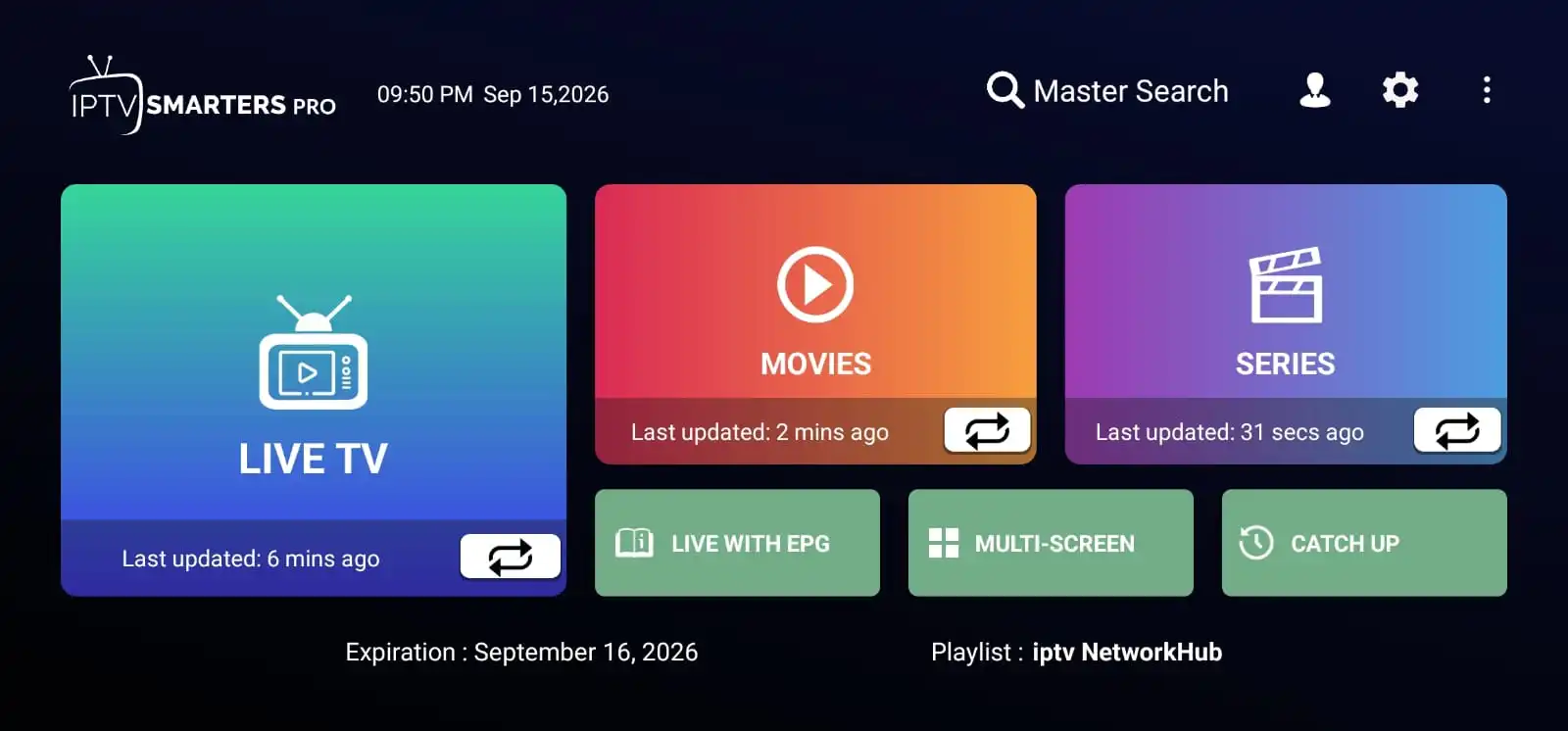
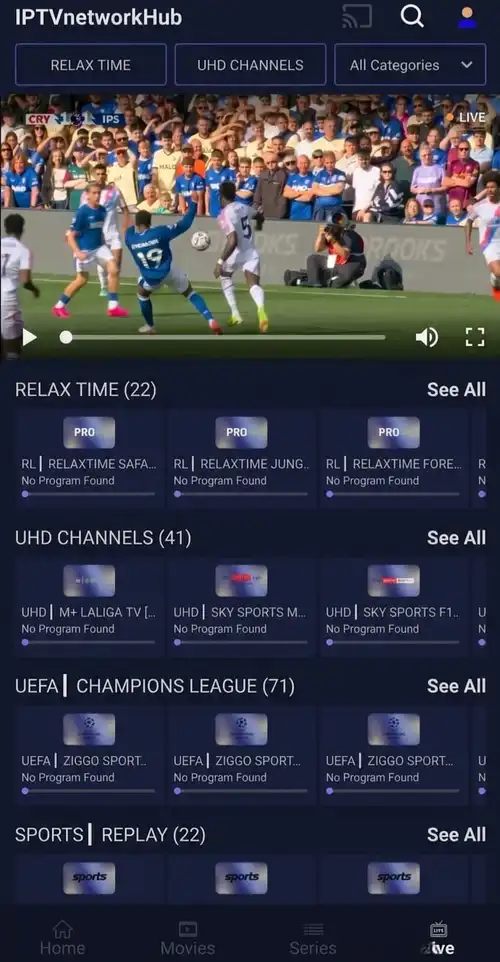
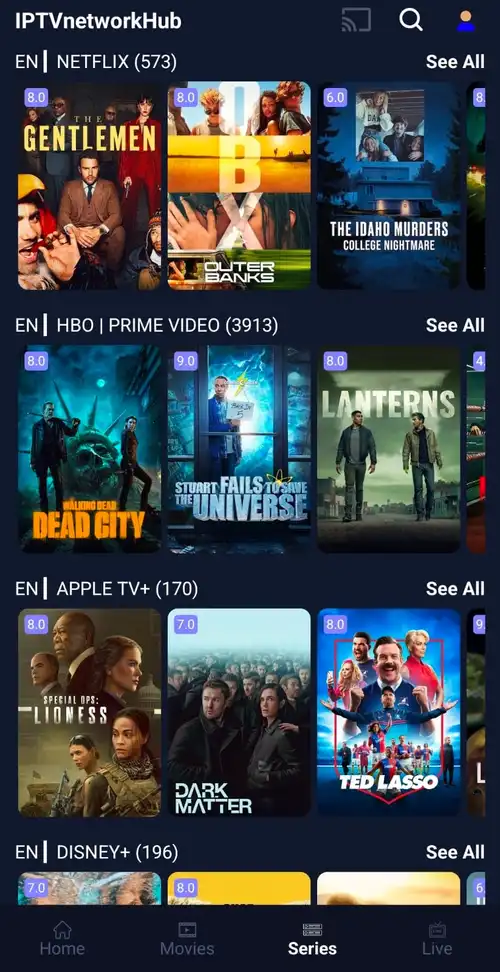
From live sports and breaking news to movies and family entertainment, IPTVNetworkHub puts your favorite content in one convenient streaming experience — available wherever you watch.
Explore live sports, movies, series, news, music and family entertainment — organized into simple categories so you can get straight to what interests you.
Follow football, basketball, cricket, motorsport and more with live coverage across your favorite competitions.
Explore sportsEnjoy a wide range of movies, series and on-demand entertainment, from exciting new releases and popular favorites to classic films and binge-worthy series.
Family-friendly entertainment with dedicated kids content and parental control features.
Enjoy music channels, live performances and entertainment for every mood.
Browse live sports, breaking news, entertainment and family TV channels in one easy-to-use guide.
Find popular movies and binge-worthy TV series, from action and thrillers to animation and family favorites.










Choose the plan period that works best for you.
Install the app on your TV, phone or streaming box, then sign in.
Your guide loads instantly — browse live or jump into on-demand.
Stream your favorite live TV, sports, news, movies and entertainment on the devices you already use.
Enjoy IPTV on compatible Smart TV platforms from the comfort of your living room.
Turn any television into a smart IPTV screen with a compatible Android TV device.
Watch live TV and on-demand shows on compatible Android phones and tablets.
Access your IPTV setup on supported Apple mobile devices, at home or on the go.
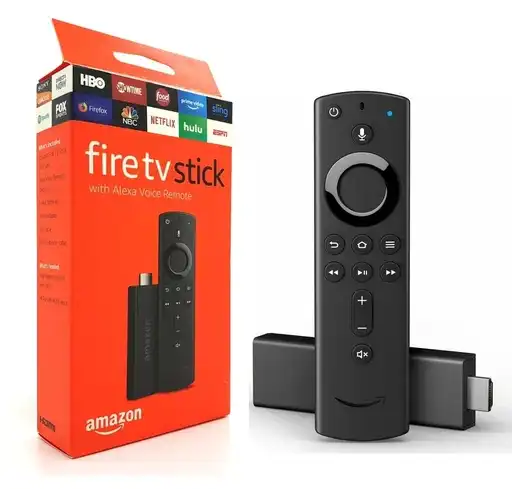
Stream directly on your TV with the Amazon Fire TV Stick, giving you easy access to your favorite content.
Install the IPTV player on your Windows or macOS computer for a full-size viewing experience.
Every plan includes the full channel guide. Choose the subscription period that works best for you.
New subscribers get a one-day free trial on any plan.
Learn how IPTV works, choose the right setup and get more from your streaming experience.
A beginner-friendly introduction to IPTV, live TV streaming, playlists, compatible devices and the basics of getting started.
Read guide
A simple setup guide for watching IPTV on compatible Smart TV devices.
Read guide
Discover the basics of using IPTV on Android phones, tablets and TV devices.
Read guide
Learn how to set up IPTV on your Amazon Fire TV Stick and enjoy smooth streaming with the right app.
Read guideHave questions about setup, devices, streaming or your subscription? Find the answers below.
You need a reliable internet connection and a compatible device, such as a Smart TV, Android TV device, Fire TV Stick, smartphone, tablet or computer. Once your subscription is active, follow the setup instructions for your device and sign in to start watching.
IPTVNetworkHub is designed to work across a range of supported devices, including compatible Smart TVs, Android TV devices, Amazon Fire TV Stick, Android phones and tablets, iPhone and iPad, Windows and Mac computers. Device compatibility can vary by model and operating system.
Once your order is completed and your access details are provided, you can set up your supported device and start watching. The exact setup time depends on the device and app you are using.
You can install the service on supported devices, while the number of devices that can stream at the same time depends on the subscription you choose. contact support if you need simultaneous streaming for multiple screens.
Yes. New subscribers can try the service with a one-day free trial. The trial lets you explore the available content and streaming experience before deciding whether to continue with a paid plan.
Yes. There are no long-term contracts, so you can choose not to continue with your subscription. If you are currently on a trial, make sure to cancel according to the instructions provided before the trial period ends if you do not want to continue.
A stable broadband connection is recommended for a smooth streaming experience. The connection speed you need can vary depending on video quality, the device you are using and how many devices are streaming at the same time.
Available picture quality depends on the channel, movie or series, your device and your internet connection. Supported content may be available in HD, Full HD or 4K where provided.
No satellite dish is required. IPTV is delivered over an internet connection, allowing you to watch through compatible streaming devices without a traditional satellite setup.
After completing your order, you receive the information needed to set up your service. Follow the device-specific instructions, sign in, and open the guide to browse live channels and available on-demand content.
Our setup guides walk you through the installation process for supported devices. If you still need assistance, contact our support team and provide the device you are using so we can point you in the right direction.